Claude Code: The Future of Terminal-Based AI Coding Assistants
Claude Code is Anthropic’s terminal-first AI coding assistant that acts as an agentic partner, combining deep codebase understanding, git integration, and extensible custom agents for faster, conversational development.
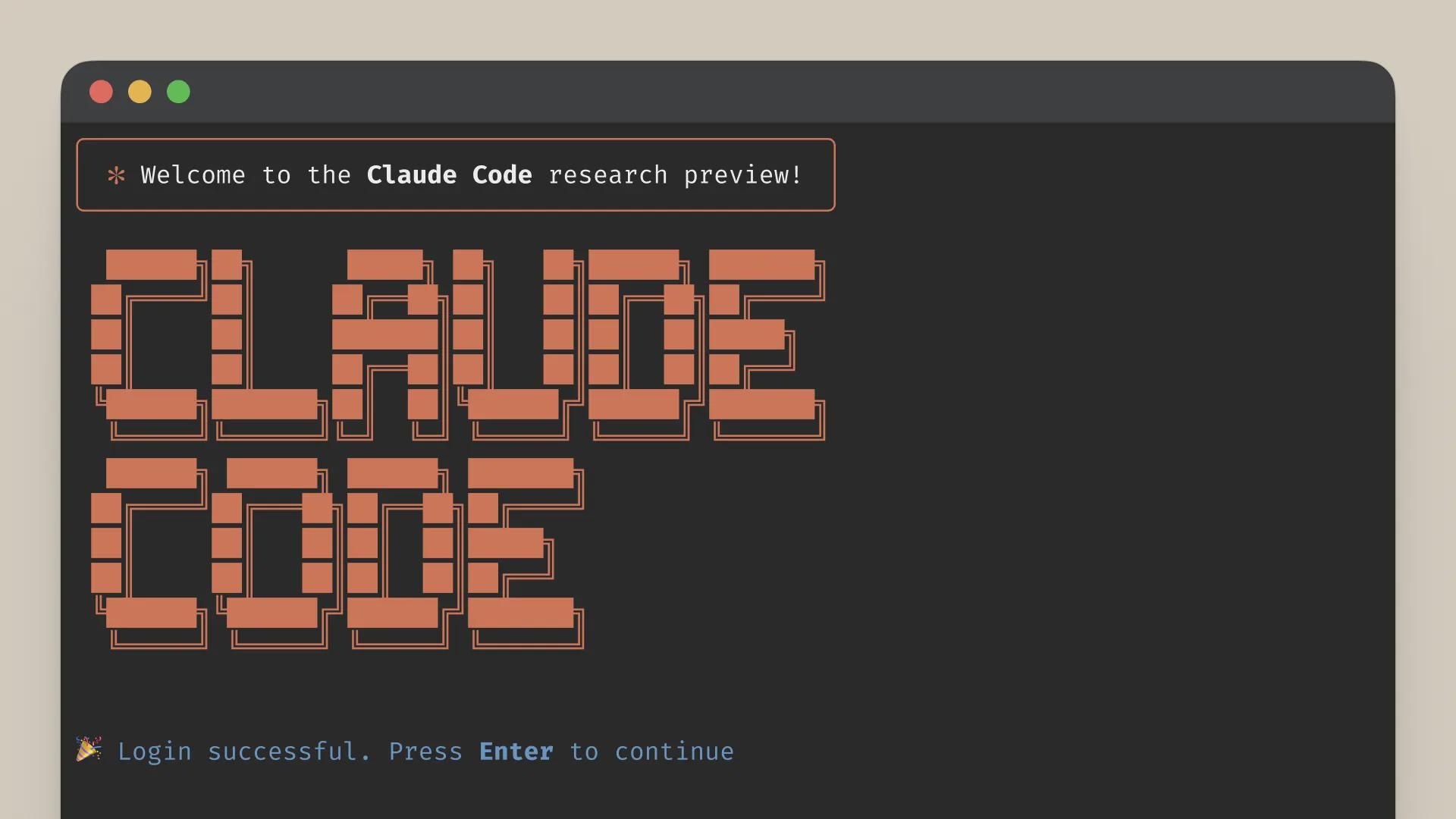
Claude Code is an AI-powered development tool by Anthropic that runs directly in your terminal, giving you a conversational coding partner that understands your codebase, workflows, and tools.
What Makes Claude Code Different?
Unlike traditional inline autocomplete tools, Claude Code behaves like a full agentic collaborator. It can:
- Perform routine operations (editing files, refactors, scaffolding)
- Explain and clarify complex or unfamiliar code
- Help manage git workflows and repositories
This turns your terminal into an interactive development environment driven by natural language.
Key Capabilities
- Persistent conversation mode – Maintain context across multiple commands and edits.
- Quick query mode – Ask one-off questions without starting a full session.
- Session management – Switch between, resume, and organize different workstreams.
- System prompt customization – Shape Claude Code’s behavior for your style, stack, or team norms.
- Tool access control – Decide what the assistant is allowed to read, write, or execute.
- Custom subagents – Create specialized agents for tasks like migrations, documentation, or testing.
- Multiple output formats – Get responses as diffs, patches, plain text, or structured output.
- Model selection – Choose between Opus for maximum capability or Sonnet for speed and cost efficiency.
Extended Functionality
- Model Context Protocol (MCP) support – Connect Claude Code to external tools and data sources in a standardized way.
- Custom slash commands – Define reusable, parameterized commands (e.g.
/test,/migrate,/review). - Project knowledge via
AGENTS.md– Teach Claude Code about project conventions, architecture, and workflows so it can act like a team-aware collaborator.
Why Developers Choose Claude Code
- Terminal-first design – Fits naturally into existing CLI-centric workflows.
- Comprehensive codebase understanding – Works across large projects, not just the current file.
- Git integration – Helps with diffs, commits, branch workflows, and code review.
- Extensibility through custom agents – Adapt the assistant to your stack, tools, and team practices.
Claude Code turns your terminal into a conversational, context-aware development cockpit, helping you move faster while keeping you in full control of your code and tools.
Use AGENTS.md to Supercharge Project Awareness
Add an `AGENTS.md` file at the root of your repository to encode project-specific knowledge—architecture notes, coding standards, deployment steps, and common workflows. Claude Code will use this as a reference, making its suggestions and actions feel tailored to your team and codebase.
# Example: Using Claude Code in a terminal-driven workflow

# Start a persistent session in your repo
claude-code chat --session feature-auth-refactor

# Ask Claude Code to analyze and refactor auth logic
# (inside the session)
"""
Review the authentication module and:
- Explain the current flow
- Identify security risks
- Propose a safer, simpler design
- Generate a patch as a unified diff
"""

# Apply the suggested diff after review
git apply auth-refactor.patch

git diff
# If everything looks good
git commit -am "Refactor auth flow with Claude Code assistance"